
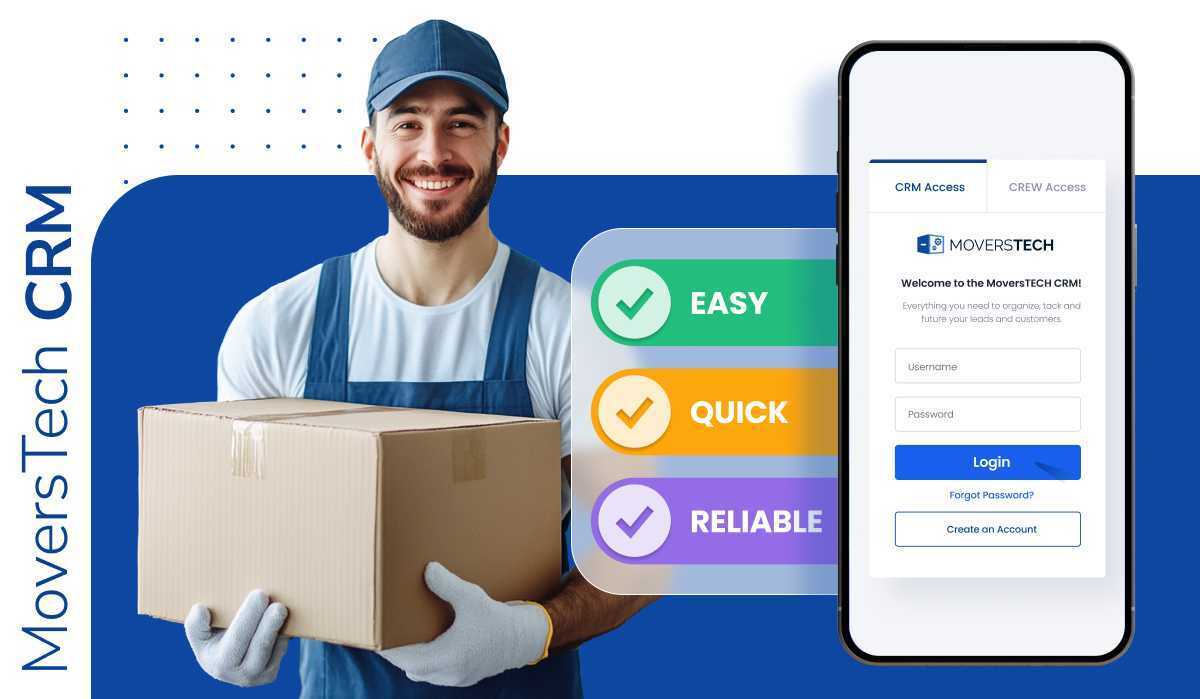
A moving crew mobile app gives field teams live access to job details, schedules, inventory, digital signatures, and billing from their phones — replacing paper forms, group texts, and post-shift data entry. For a moving company, that means jobs finish faster, payment is collected on site before the truck leaves, and payroll and inventory records stay accurate. MoversTech Crew Access brings scheduling, time tracking, eSignatures, crew-to-dispatch messaging, and invoicing into one app built for movers.
Clipboards still run too many moving jobs. Crews juggle text chains, paper forms, and after-shift paperwork while the office works from cloud tools — and the gap between them causes delays, missing details, and frustrated customers. A moving crew mobile app closes that gap. It puts job details, real-time updates, digital signatures, and on-site billing in the hands of the team doing the work. MoversTech Crew Access is built for the field: simple to use, and ready for how moving companies run in 2026.
The modern mover’s reality: What crews face without a mobile app
A lot can go wrong when your crew doesn’t have the right tools on the job. Paperwork gets lost or damaged. Job details are missing. Schedules change, but no one tells the team in time. Crews are left to rely on printed notes, group texts, and memory.
To stay on track, they often end up calling the office just to double-check addresses or special instructions. Time tracking is usually done by hand, which leads to errors and payroll disputes. Inventory is updated after the move instead of during it, which opens the door to missed or miscounted items.
When something goes wrong, the blame game starts between the field and dispatch. Everyone is frustrated, and no one has the full picture. This is exactly why every moving crew needs a mobile app. It removes the chaos, keeps everyone on the same page, and makes jobs more predictable. Without it, crews are left guessing, and this is something customers can tell.
How a moving crew mobile app solves common field problems
When your crew has a mobile app, everything gets easier. Here’s what it solves:
- No more phone tag. Job details like addresses, weights, and notes are always up to date and easy to access.
- Accurate time tracking. No guessing, no manual errors – just clean, digital records.
- Real-time inventory updates. Crews can update as they go, not after the move.
- Instant billing and digital signatures. Customers sign and pay before the truck leaves.
- Better crew-dispatch communication. In-app messaging cuts down on confusion and last-minute changes.
- All-in-one access. Instead of juggling five tools, one mobile app handles it all.
This is how you streamline dispatch and keep operations running smoothly. MoversTech Crew Access App is a great example. It’s one app that handles everything from scheduling to billing in real time.

What a mobile app changes on the job
The difference shows up task by task — the same work, done on a phone instead of a clipboard:
| On the job | Without a crew app | With MoversTech Crew Access |
|---|---|---|
| Job details |
|
|
| Time tracking |
|
|
| Inventory |
|
|
| Signatures & billing |
|
|
| Crew–dispatch comms |
|
|
| Tools |
|
Why mobile access matters in the U.S. and Canadian markets
Cross-border and long-distance moves between the U.S. and Canada have become more common, and they demand tighter field coordination — not more calls and paper trails. A mobile app keeps the crew, dispatch, and customer on the same page across distances and time zones.
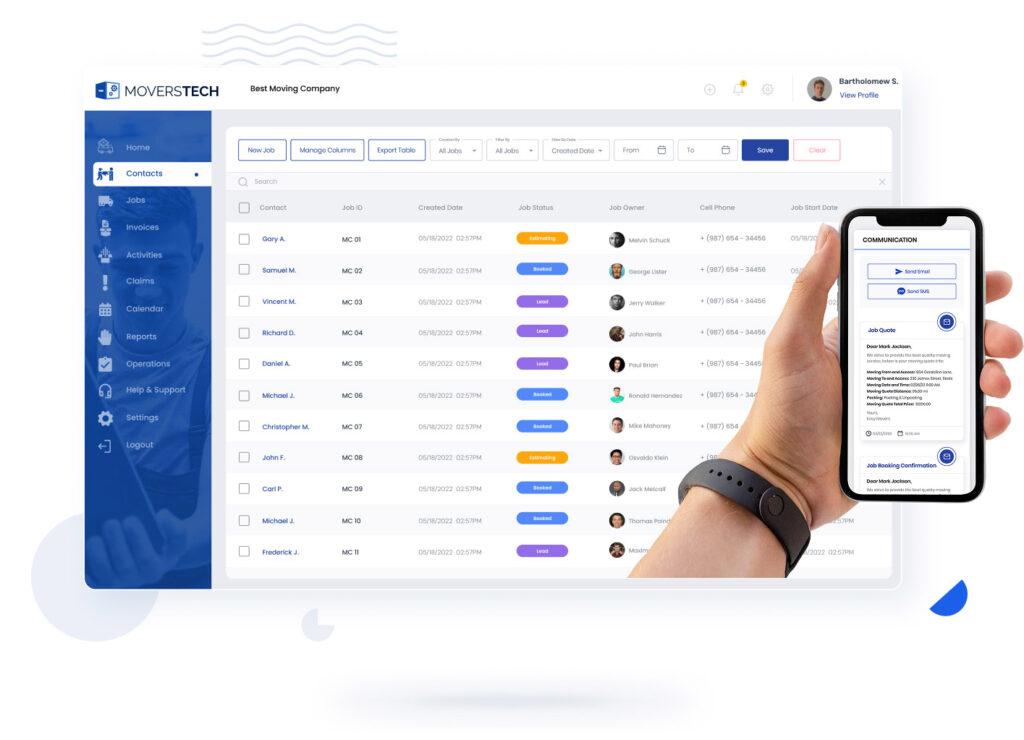
Customers now expect real-time updates and digital payment on the day of the move. A crew that can’t send status or collect a signature in the field gets noticed — and so do the complaints that follow. Accurate documentation also matters for insurance and federal recordkeeping rules, and a mobile app helps crews capture it as the job happens. Younger team members expect modern tools, too; outdated systems quietly push them away.
This is the field-crew side of going mobile. For owners and office staff who need the full system on the go, see mobile access to your moving CRM.
What to look for in a crew mobile app
Some apps are clunky; others don’t offer what movers actually need. If you’re upgrading your tools, look for these features:
- iOS and Android compatibility – Every crew member has a different device. Your app should work on all of them.
- Simple, user-friendly design – If your team can’t learn it fast, they won’t use it. A clean layout is essential.
- All-in-one functionality – The right app should handle job scheduling, time tracking, eSignatures, crew-dispatch messaging, billing, and inventory editing.
- Built-in invoicing – A CRM with invoicing helps crews collect payment on the spot and avoid billing delays.
Crew Access by MoversTech checks every box — built for movers, simple to use, and packed with what your team needs in the field.
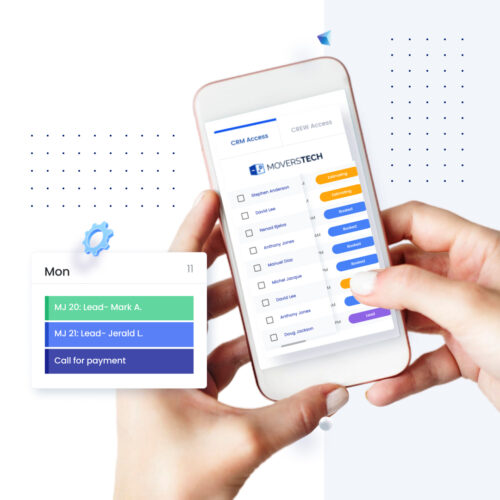
What moving companies gain with mobile crew tools
When your crew starts using the right mobile app, the results show up fast:
- Faster job completions – Crews have all the job details at their fingertips—no delays from missed info or unclear instructions. They can start and finish moves faster, which means you can book more jobs per day.
- Instant billing and faster payments – Customers can sign and pay on the spot. You don’t wait days to invoice or collect. That improves your cash flow and reduces overdue payments.
- Fewer customer complaints – Real-time updates and better coordination mean crews show up on time and stay on task. Clients notice this and they leave better reviews.
- More accurate payroll – Digital time tracking reduces confusion and disputes over hours worked. You save time and avoid payroll errors.
- Less office admin – Your team no longer spends hours chasing paperwork. Instead, they work with clean digital records and real-time updates that sync automatically.
All of this becomes possible by choosing a cloud-based CRM with mobile tools built for the field — a simple change that creates real, measurable improvements across your business.
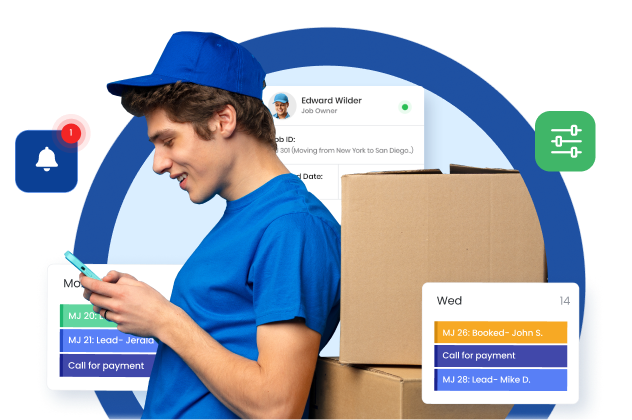
Ready or not, the field is going digital
The way crews work in the field has to match the tools the office already uses. Paper forms, scattered notes, and delayed updates slow jobs down and create problems that compound as you grow. A moving crew mobile app removes that drag. MoversTech Crew Access gives your team job details, real-time updates, digital signatures, and billing in one place — built for movers and tested in the field. Equip your crew for 2026 and schedule a private demo to see how it fits your operation.
Moving crew mobile app FAQ
What's the easiest app to manage crews, trucks, and jobs from your phone?

An app built for movers rather than a generic tool. MoversTech Crew Access lets crews see assigned jobs, update inventory, track time, message dispatch, and collect signatures and payment from one phone — on iOS and Android — so managing crews, trucks, and jobs doesn't mean switching between five apps.
Is there a system for easy communication between your team and customers during a move?
Yes. A moving crew mobile app keeps crew-to-dispatch messaging tied to each job, while automated customer updates and on-site eSignatures keep the field, the office, and the customer aligned from start to finish.
What should a moving crew app include?
At minimum: iOS and Android support, a simple layout crews learn fast, job scheduling, digital time tracking, eSignatures, crew-dispatch messaging, in-field invoicing, and real-time inventory editing. Crew Access by MoversTech covers each of these in one app.
How does a crew app help movers get paid faster?
Crews eSign the paperwork and take payment on site, before the truck leaves, instead of invoicing days later. That shortens the gap between finishing a job and getting paid, and reduces overdue balances.
Does a moving crew mobile app work on both iPhone and Android?
It should. Crew members carry different devices, so a crew app needs to run on both iOS and Android. MoversTech Crew Access works on both.